Vibecoding means describing a tool in plain English and letting an AI build it. No code on your end. This site is four working examples, 100 ready-to-paste prompts, and a fifteen-minute install guide for anyone in food who's never opened a terminal.
Every tool here handles paperwork, tracking, math, or compliance — the busywork. None of them make the judgment calls that are the actual craft of feeding people. The point is to clear the busywork off your desk so you can spend more time on the work only you can do. Use the Feedback button (bottom-right) for bugs, suggestions, or prompts you want me to add — I read every one and the site updates based on what I hear.
This site is in beta. Things will change and you'll find bugs. It's the companion to this essay. Built with Claude Code itself — one HTML file per tool, one evening.
These are demos with made-up data. The recipes are fictional, the suppliers are invented, the farm doesn't exist. The point is to show what's possible. The real value is the prompt at the bottom of each tool — copy it, paste it into Claude Code with your actual data, and you'll get back your own version.
The very first build will usually have a small bug or two. A button that doesn't quite work, a number that looks off, a section that didn't appear. That's normal — type a plain-English description of what's broken into the same Claude Code session ("clicking a row doesn't open the detail panel," "the price inputs aren't showing up") and it'll fix it. By version two or three you'll have something that fits your work.
Never opened a terminal before? Start with Install Claude Code — four steps, fifteen minutes. Then come back to whichever prototype is closest to your work and steal the prompt. If you want ideas beyond these four, browse the 100 Prompts page.
Tell me what's missing. Hit the Feedback button (bottom-right) for bugs, prompts to add, prototypes that need fixing, or use cases I haven't covered. I read every one.
Paste any of these into Claude Code. They're starting points — short paragraphs you'll refine as Claude asks questions. You'll go back and forth, refining. By version two or three, you'll have something genuinely useful. Every one handles paperwork, tracking, or math. None of them replace a human judgment call. Missing one for your corner of the food world? Hit Feedback, bottom-right.
| Recipe | Ingredient Cost | Menu Price | Food Cost % | Status |
|---|
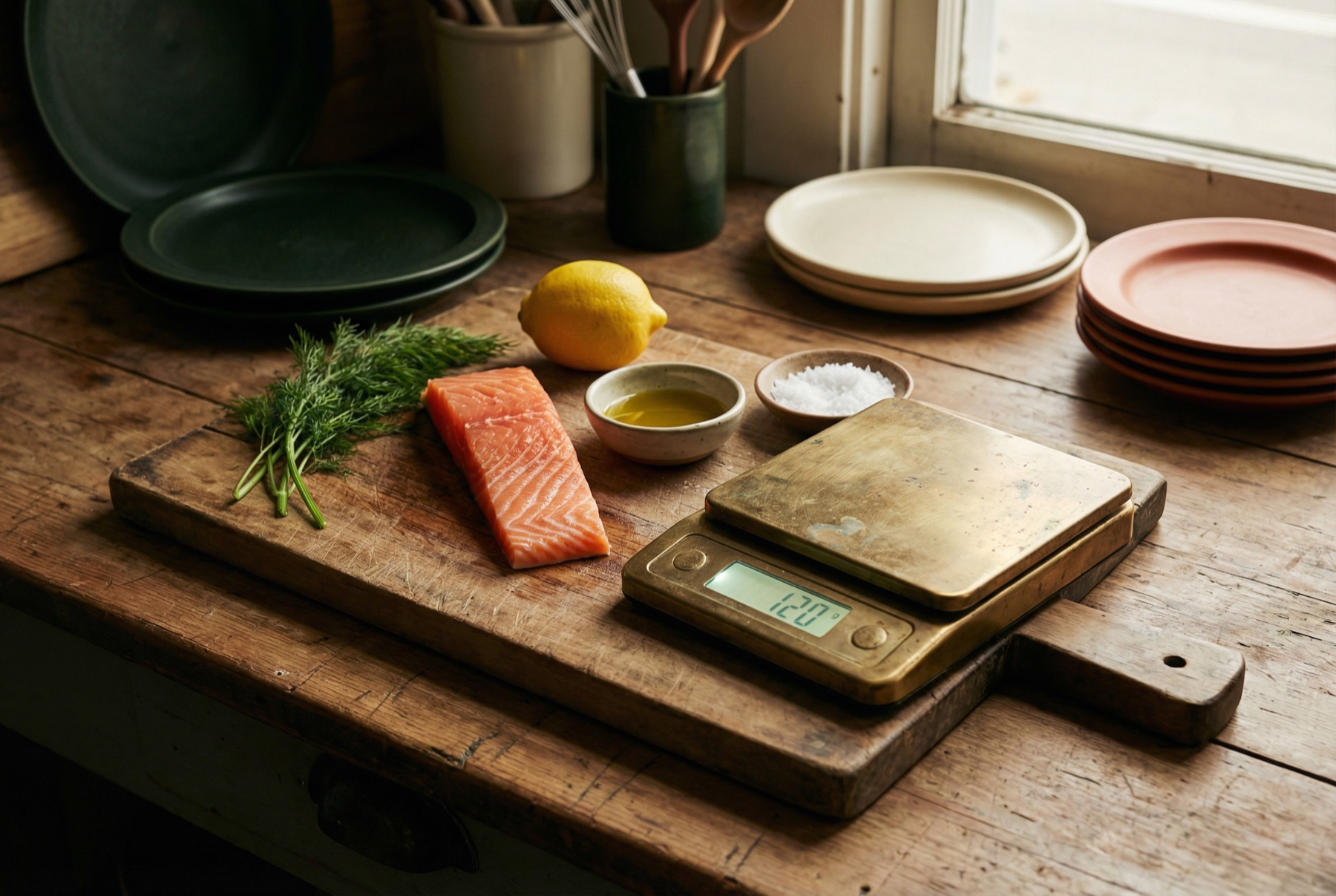
Copy this prompt, open Claude Code in an empty folder, and paste. When it asks clarifying questions, give it your actual dishes, portion sizes, and current invoice prices. Everything you see here will regenerate — styled for your brand, wired to your real data.
Build me a single-page HTML app called "Recipe Costing" as one self-contained index.html file with embedded CSS and JavaScript (no frameworks, no build step, no backend). REQUIREMENTS: - Pre-load 10-15 real menu items from my restaurant. For each recipe: name, menu price, and a list of ingredients with portion sizes (e.g. "Atlantic salmon fillet 8oz"). - Pre-load a flat dictionary of ingredient unit costs at current invoice prices. - Compute food cost % = (sum of ingredient costs / menu price) * 100 for each recipe. - Show a summary row at the top: average food cost %, total menu items, count of items flagged. - Sortable table of all recipes with columns: Recipe, Ingredient Cost, Menu Price, Food Cost %, Status dot (green <28%, yellow 28-32%, red >32%). - Clicking a recipe opens a detail panel showing every ingredient and its unit cost, with a total. - Alert panel at the top listing every recipe above 30% food cost, sorted worst first. - A "Update Ingredient Prices" card with number inputs for every ingredient, rendered and populated on first load (not gated behind a recipe selection). Typing a new price recalculates every recipe that uses it in real time. - Use an editorial design: warm cream background, serif display headlines (DM Sans 900 weight), generous whitespace, no heavy card shadows, divider-based layout. - Mobile-responsive. - All data hardcoded — no backend, no fetch calls. - Interactivity must survive table re-renders: clicking a recipe row must always open the detail panel, even after the table has been re-sorted or recomputed. Make sure every <th> the sort logic touches has whatever child element it expects (e.g. a sort-arrow span), and wrap any DOM cleanup in null-safety so a single missing element doesn't silently halt the init script. FIRST, ask me for: 1. My 10-15 menu items with prices 2. Ingredient lists for each 3. Current unit costs (or I'll give you a rough spreadsheet to infer from) Then build the whole thing in one index.html file.
| Channel | Total Revenue | Total Costs | Gross Margin % | Net Margin % | Trend |
|---|
If you sell across DTC, distributors, retail partners, Amazon, or wholesale — this is the tool to find out which one is real and which is a vanity metric. Copy the prompt, paste it into Claude Code, hand it your sales by channel, and get a working profitability dashboard in under an hour.
Build me a single-page HTML app called "CPG Channel Profitability" as one self-contained index.html file with embedded CSS and JavaScript. Include Chart.js via CDN for line chart visualization. No backend. REQUIREMENTS: - Pre-load 3-5 sales channels I use (e.g. DTC Shopify, UNFI distributor, direct store delivery, Amazon FBA, wholesale). - For each channel, 6 months of monthly data: revenue, COGS, and channel-specific costs. DTC costs: shipping, packaging, returns. Distributor costs: distributor margin, trade spend, damage claims. DSD costs: delivery, slotting fees, demo costs, free-fill. - Compute gross margin % and net margin % per channel over the period. - Summary stats: total revenue, blended net margin, count of channel-months below my target net margin (from step 4 below; if I don't give one, default to 15%). - Table showing each channel's totals, gross %, net %, and a trend arrow (last month vs previous). - Bottom row showing blended total across all channels. - Clicking a channel row opens a detailed monthly breakdown table with every cost line item. - Alert panel listing every channel-month where net margin dropped below my target (or 15% if I didn't specify one). Label the alert with the threshold being used so I know which number drove the alert. - Line chart of net margin % by channel across the 6 months. - Editorial design: cream background, DM Sans 900 weight headlines, olive green accent (#7A9A1E), dividers instead of cards, generous whitespace. - Mobile-responsive. FIRST, ask me for: 1. My channel names and short codes 2. Last 6 months of revenue and COGS per channel 3. The specific cost line items I track per channel 4. Any target margin I'm trying to hit Then build the whole thing in one index.html file.
| Supplier | Status | COA | Allergen | Insurance | Audit Score |
|---|
Built for anyone — co-packers, restaurants, distributors, food safety managers — who needs to know which supplier documents are expiring in the next 30 days without digging through folders. Copy the prompt, hand it your supplier list, and you'll have a traffic-light dashboard before lunch.
Build me a single-page HTML app called "Supplier Document Tracker" as one self-contained index.html file with embedded CSS and JavaScript. No backend, no frameworks.
REQUIREMENTS:
- Pre-load 10-15 suppliers. For each: name, COA (Certificate of Analysis) expiration, allergen statement expiration, insurance certificate expiration, most recent audit score, audit type (SQF/BRC/FSSC 22000/unannounced), optional note.
- Today's date is fixed at the top of the file (so the demo is reproducible). Parse it as local midnight (e.g. `new Date(2026, 4, 18)` — JS months are 0-indexed) and parse every expiration date the same way. Do NOT use `new Date('2026-05-18')` because that parses as UTC midnight and the displayed date will shift by a day in most US timezones.
- For each document: compute status as current (>30 days until expiration), expiring (within 30 days), or expired.
- Summary stats: count of fully compliant suppliers, count with warnings, count with expired documents.
- Table of all suppliers with overall status dot, COA status cell, allergen status cell, insurance status cell, audit score badge (green 90+, yellow 80-89, red <80).
- Clicking a supplier opens a detail panel with each document, its expiration date, and its status label.
- Alert panel listing every expired document and every document expiring within 30 days, sorted expired-first then by soonest expiration.
- Handle null/missing dates cleanly (display "N/A").
- Editorial design: cream background (#FAFAF7), DM Sans 900 display, olive green accent (#7A9A1E), dividers instead of card shadows, status cells as small colored squares with checkmarks/exclamations/x-marks.
- Mobile-responsive.
FIRST, ask me for:
1. My supplier list (names only is fine — I'll give you document dates after)
2. Which documents I track per supplier (COA, allergen, insurance, GFSI audit, organic cert, kosher/halal, etc.)
3. Audit scheme and typical score range
4. Whether I want to track any custom fields (e.g. country of origin, ingredient category)
Then build the whole thing in one index.html file.
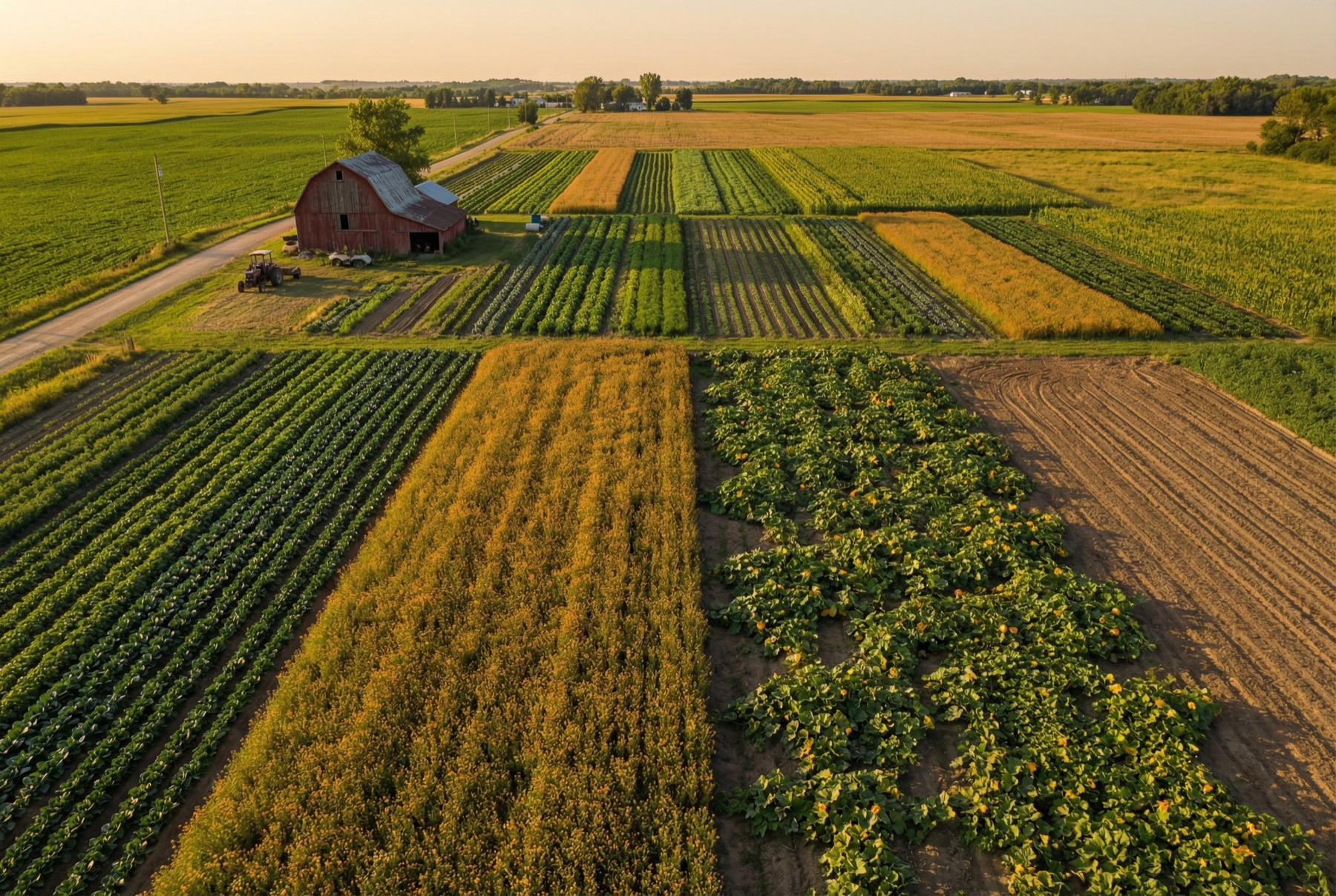
Built for diversified farms, market gardeners, and small commercial operations who are tired of pulling field data out of three different notebooks and a whiteboard. Give Claude Code your fields and equipment; get a clean dashboard you can actually use during planting season.
Build me a single-page HTML app called "Farm Operations Dashboard" as one self-contained index.html file with embedded CSS and JavaScript. No backend, no frameworks. REQUIREMENTS: - Pre-load 10-15 fields. For each field: name, acres, 2025 crop, 2026 planned crop, cover crop (and when planted), 2025 yield, soil pH, field type (row/vegetable/hay), optional notes. - Pre-load 5-8 pieces of equipment. For each: name (with make/model), current hours, service-due hours, currently assigned field or status, notes. - Summary stats: total acreage, field count, equipment count. - Field grid (card per field): name with acre count, 2026 crop, cover crop, 2025 yield, soil pH, notes highlighted in yellow if present. - Equipment grid: name, hours / service-due hours, hours remaining until service, color-coded alert (red <50 hours, yellow <200 hours, green otherwise). - Clicking a field opens a detail panel with every attribute including 2025 vs 2026 crop, cover crop planting date, yield, soil pH with "low" badge if below 6.0. - Editorial design: cream background (#FAFAF7), DM Sans 900 display, olive green accent (#7A9A1E), divider-based grid (no heavy cards), generous whitespace. - Mobile-responsive. FIRST, ask me for: 1. My field names, acreages, and crop rotation (last year's crop + this year's planned crop) 2. Cover crop strategy per field (if any) 3. Equipment list with current hour meters and service intervals 4. Any soil test data I want tracked (pH, organic matter, nutrient levels) Then build the whole thing in one index.html file.
Four steps. No coding. If something breaks, paste the error into Claude or ChatGPT — same as you would for any other tech question.
Four short steps. Each one takes a couple of minutes.
Adds the underlying engine Claude Code runs on. You only do this once, ever.
Go to nodejs.org. Click the big green download button. Run the file that downloads. Click through the prompts until it finishes.
Opens the text window where you'll paste commands. Every computer has one built in.
Mac: Press Cmd + Space, type Terminal, hit Enter.
Windows: Click the Start button, type Command Prompt, hit Enter.
A window opens with a line that looks roughly like the picture below. That line is called the prompt. It shows your username and computer name (yours will be different — alex@MacBook-Pro is just an example), then ends with $ on Mac or > on Windows. The blinking cursor right after it is where everything you type or paste goes.
$, paste your command, then hit Enter.To run a command later in this guide, you'll click anywhere in this window, paste the command (Cmd+V on Mac, Ctrl+V on Windows), and press Enter. Leave the window open for now.
Puts Claude Code itself on your computer.
Copy this line, paste it into the terminal, hit Enter:
npm install -g @anthropic-ai/claude-code
Text scrolls by for about a minute. When it stops, you're installed.
Connects Claude Code to your Anthropic account so it can work.
Type claude into the terminal and hit Enter. A browser tab opens. Sign in or create an Anthropic account. Pick a plan — Claude Pro is the lowest tier that includes Claude Code, $17/month annual or $20/month month-to-month. Plenty to start.
Back in the terminal, you'll see a prompt where you can type. That's the finish line. You're ready to build.
Turns a plain-English prompt into a working tool you open in your browser.
recipe-costing. Every tool gets its own folder.
cd, then a space, then drag the folder onto the terminal window. Hit Enter. You're now "inside" that folder.
claude and hit Enter.
Claude Code asks follow-up questions. Answer in your own words. It builds a file. Open it in your browser — that's your tool. If something's off, tell it in plain English: "Make the headline bigger." "The margin formula should divide by revenue." Two or three rounds and you have something your team can use.
Common pitfalls — read these before you start so you don't have to learn them the hard way.
Everything above is all you need to build your first tool. The extras below make your tools better or let you share them with your team. None of them are required to get started.
Right now your tool lives on your computer. Only you can see it. If you want your sous chef, your field manager, or your business partner to use it from their own device, you need to put it online. That's called "deploying."
Vercel is a free service that takes the file Claude Code built and puts it at a real web address (like yourname.vercel.app) that anyone can visit. Think of it as free web hosting with zero maintenance.
Sign up at vercel.com (free), then paste these commands into your terminal:
npm install -g vercel cd your-project-folder vercel --prod
It will ask you a couple of questions the first time. After that, vercel --prod deploys in about ten seconds. Your tool is now live at a URL you can text to your team.
Skills are free add-ons that teach Claude Code how to do specific things better. Without them, Claude Code can still build your tool. With them, the tool will look more polished and follow better design practices.
These are the four I used to build this site. Paste each line into your terminal:
npx skills add nextlevelbuilder/ui-ux-pro-max-skill@ui-ux-pro-max -g
npx skills add anthropics/skills@frontend-design -g
npx skills add giuseppe-trisciuoglio/developer-kit@shadcn-ui -g
npx skills add vercel-labs/agent-skills@web-design-guidelines -g
Plugins give Claude Code extra abilities. The most useful one lets it open a real web browser, click buttons, and take screenshots of your tool to make sure everything works. Without it, Claude Code builds the tool but can't see what it looks like. With it, Claude Code can QA its own work.
Browse the 100 Prompts page for 100 ideas specific to the food industry, each with a ready-to-paste prompt.
Paste any of these into Claude Code. They're starting points — short paragraphs you'll refine as Claude asks questions. You'll go back and forth, refining. By version two or three, you'll have something genuinely useful. Every one handles paperwork, tracking, or math. None of them replace a human judgment call.